
How Effective Cooling Strategies Enhance Your PC Gaming Experience
The Importance of Cooling in Gaming PCs
In the realm of PC gaming, performance is everything. Gamers spend a considerable amount of time and money ensuring that their rigs can handle the latest games with high frame rates and stunning graphics. However, one critical aspect often overlooked is the cooling system. Efficient cooling is vital for maintaining optimal performance and prolonging the lifespan of your hardware.
When a CPU or GPU overheats, it can lead to thermal throttling, where the components slow down to prevent damage. This can significantly impact game performance, causing stuttering or frame drops. Thus, selecting the right cooling solution is essential for any gamer looking to get the most out of their system.
Air Cooling: The Traditional Approach
Air cooling is the most common and traditional method of managing heat in a gaming PC. It uses fans to move air over heat sinks attached to the CPU and GPU, dissipating heat through convection.
Advantages of Air Cooling
- Cost-Effectiveness: Air coolers are generally more affordable compared to liquid coolers, making them an excellent choice for budget-conscious gamers.
- Simplicity: These systems are easier to install and maintain. There's no risk of leakage, and they require minimal maintenance beyond occasional dust cleaning.
Drawbacks of Air Cooling
- Noise Levels: Fans can be noisy, especially under load when gaming. High-performance fans might produce noticeable sound that could disrupt your gaming experience.
- Efficiency Limitations: While adequate for most gaming systems, air cooling might struggle with overclocked or high-end components.
For most gamers who aren't pushing their systems to the extreme, air cooling provides a reliable and efficient way to keep temperatures in check.
Liquid Cooling: The Modern Marvel
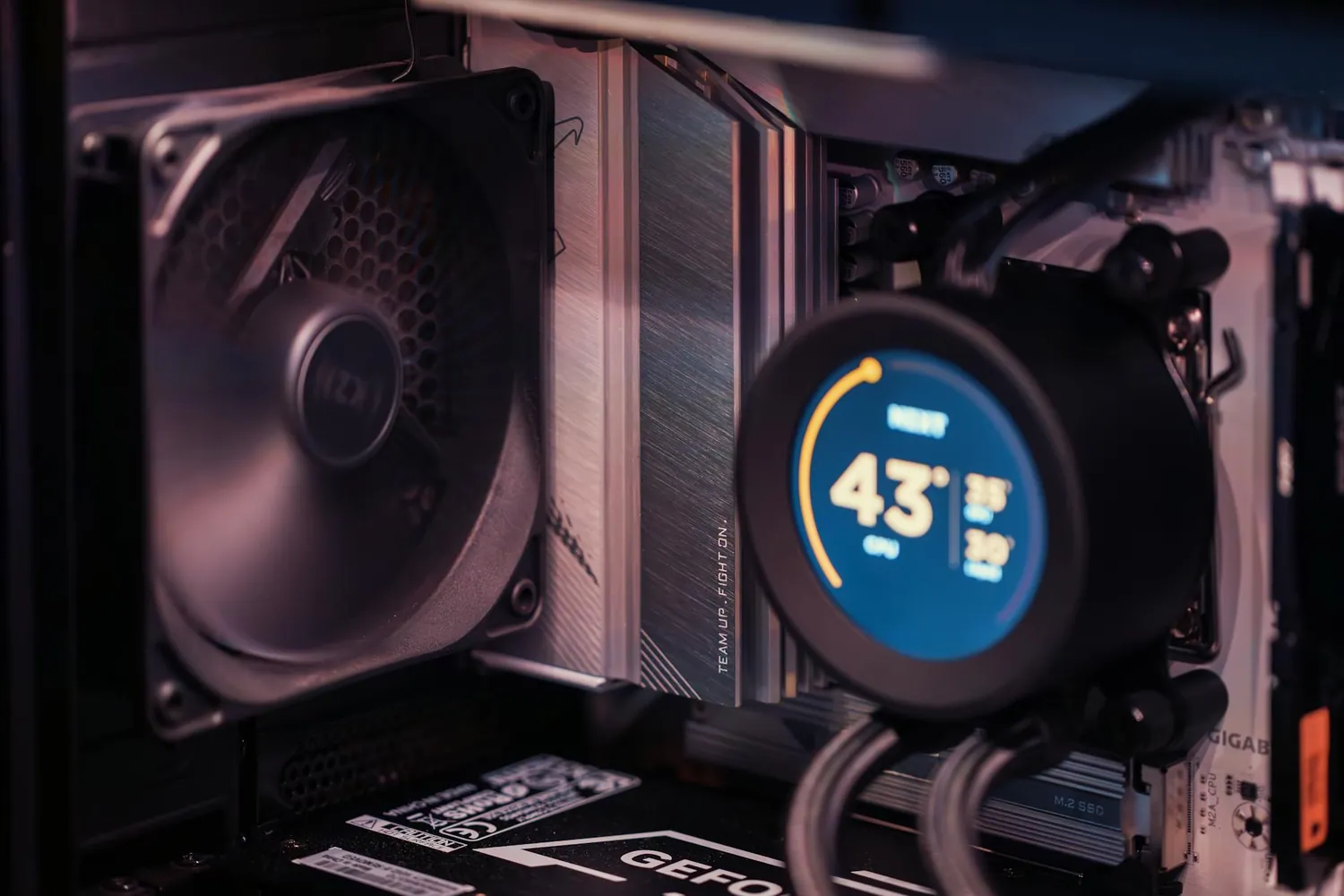
Liquid cooling, although initially reserved for enthusiasts and overclockers, has gained popularity due to its superior performance capabilities. It uses a closed-loop system where coolant circulates through tubes, absorbing heat from components and dissipating it through a radiator.
Advantages of Liquid Cooling
- Superior Thermal Performance: Liquid cooling systems can handle higher thermal loads more efficiently than air coolers, which is beneficial for overclocked CPUs or GPUs.
- Quieter Operation: Since liquid coolers don't rely solely on fan speed to remove heat, they tend to be quieter even under heavy loads.
Challenges with Liquid Cooling
- Cost: Liquid cooling setups are typically more expensive upfront compared to air cooling solutions. This can be a significant factor for budget-limited gamers.
- Complexity: Installation is more complex, and there's a risk of leakage if not properly maintained or installed. It also demands more regular monitoring.
Despite these challenges, liquid cooling is an attractive option for those who demand peak performance or are keen on overclocking their systems.
Noise Levels: A Factor Worth Considering
No one wants their immersive gaming experience interrupted by the whirring of fans. Air cooling can produce noise levels ranging from 20 dB(A) at idle to upwards of 50 dB(A) under load, depending on fan speed and design. On the other hand, liquid cooling systems typically maintain quieter operation since they rely less on fan speeds due to their efficient heat transfer methods.
Gamers who value a quiet environment may opt for liquid cooling or invest in higher-quality, low-noise fans if using an air cooling setup. Additionally, implementing software fan controls can help manage noise by adjusting fan speeds based on temperature thresholds.
Cost Implications: Balancing Budget and Performance
The cost difference between air and liquid cooling can be substantial. A basic air cooler might cost between $30-$70, while a decent liquid cooler could range from $80-$150. For custom loop setups, costs can easily exceed $300. It's crucial for gamers to consider whether the performance benefits justify the additional expenditure.
If you're working within a tight budget, high-performance air coolers can offer excellent thermal management at a fraction of the price of a liquid setup. However, if maximizing performance is your primary goal and budget allows, investing in a quality liquid cooler could be worthwhile.
Practical Tips for Optimizing Your Cooling Setup
- Case Design and Airflow: Ensure your case supports good airflow with adequate intake and exhaust fans. Keep cables tidy to minimize obstruction.
- Dust Management: Regularly clean your PC interior to prevent dust buildup that can hinder airflow and reduce cooling efficiency.
- Fan Configuration: Configure fans in a balanced setup (e.g., one-to-one ratio of intake to exhaust) for optimal airflow dynamics.
A Simple Mini-Framework for Gamers
- Determine your budget and decide whether air or liquid cooling fits your needs best.
- Select a case with good airflow options and adequate space for your chosen cooling system.
- Install additional case fans if necessary to optimize airflow.
- If using air cooling, ensure that your heatsinks are well-mounted with quality thermal paste application.
- If opting for liquid cooling, follow manufacturer instructions closely to avoid leaks and ensure proper installation.
This mini-framework provides a structured approach for choosing and implementing an effective cooling strategy tailored to your gaming needs.